Free template
Get the budget tracker - or let Foxpedite track committed spend for you, free for 14 days
Foxpedite reserves every purchase against the department budget the moment it's drafted (Draft-Stage Budget Lock), so 'remaining' is true every day, not after month-end. Prefer a spreadsheet first? The free tracker adds committed spend by hand.
Every Advanced feature, no credit card.
What Foxpedite does automatically
- Committed spend updates itself from draft POs; nobody types it in
- Overspend flagged at the request and routed for approval
- Budget, committed and actual per department, with matched bills synced to QuickBooks Online
The free template (the manual version)
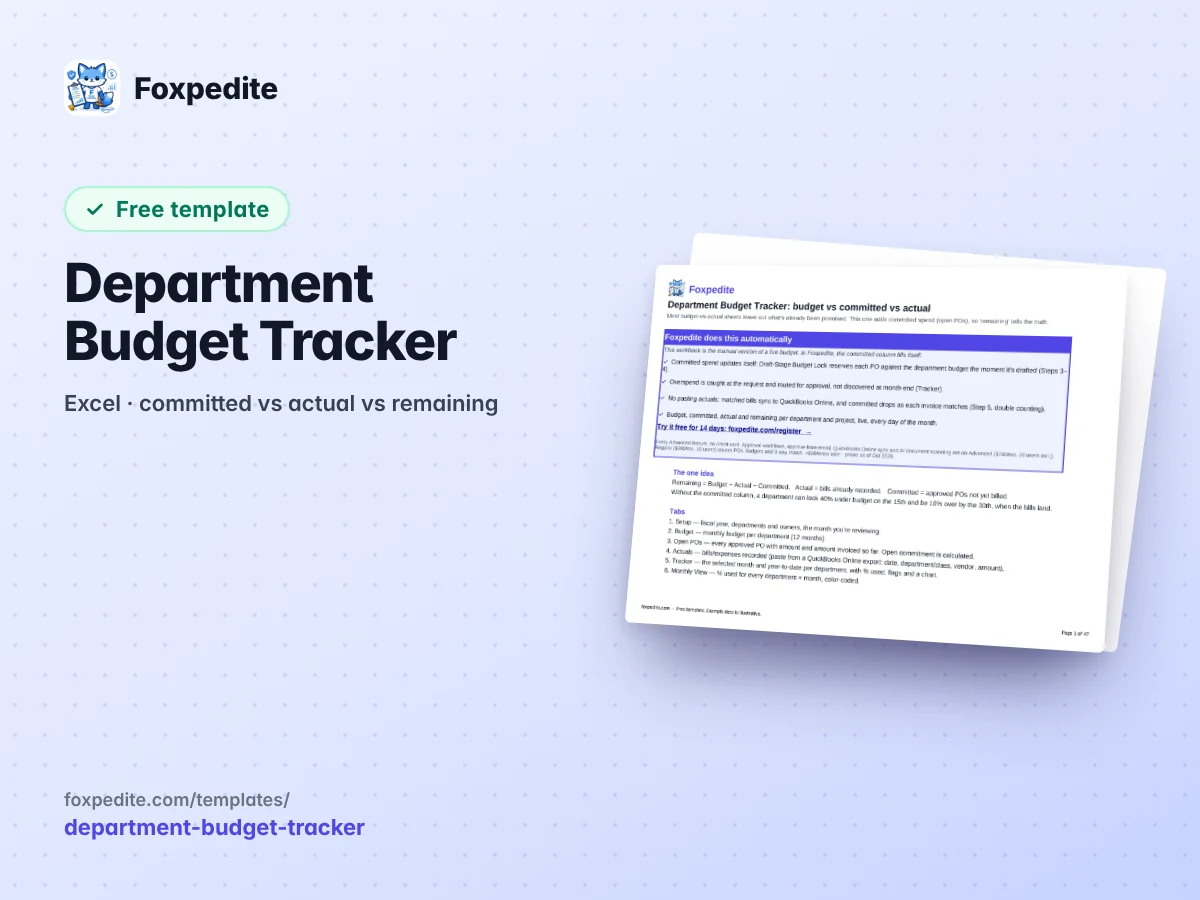
A department budget tracker for 2027 that subtracts open purchase orders, not just paid bills, so 'remaining' means what it says. Excel, opens in Google Sheets.
- Budget, committed (open POs), actual, remaining and % used per department, for the month and year to date
- Automatic amber flags over 90% used and red over 100%, plus a department × month heat map
- A chart of actual + committed vs budget, with clearly labeled EXAMPLE DATA you can delete in one step
Download the tracker
The one idea in it: Remaining = Budget − Actual − Committed. Set your fiscal-year start on the Setup tab, load the 2027 monthly budgets, then replace the yellow example data.
Free, no strings. Made by the Foxpedite Editorial Team, the people behind Foxpedite, purchasing software for companies still running purchasing on spreadsheets, email and QuickBooks. Example data in the files is illustrative.
While you're here
In Foxpedite, committed spend updates itself: the moment someone drafts a purchase, it's reserved against the department budget.