Free template
Get the duplicate payment checklist - or let Foxpedite stop duplicates before they're paid, free for 14 days
In Foxpedite, an invoice pays only when it matches an approved PO and a receipt, so a second invoice for a fully billed PO has nothing to match and is held. Prefer to check by hand first? The free 15-minute checklist finds what already slipped through.
Every Advanced feature, no credit card.
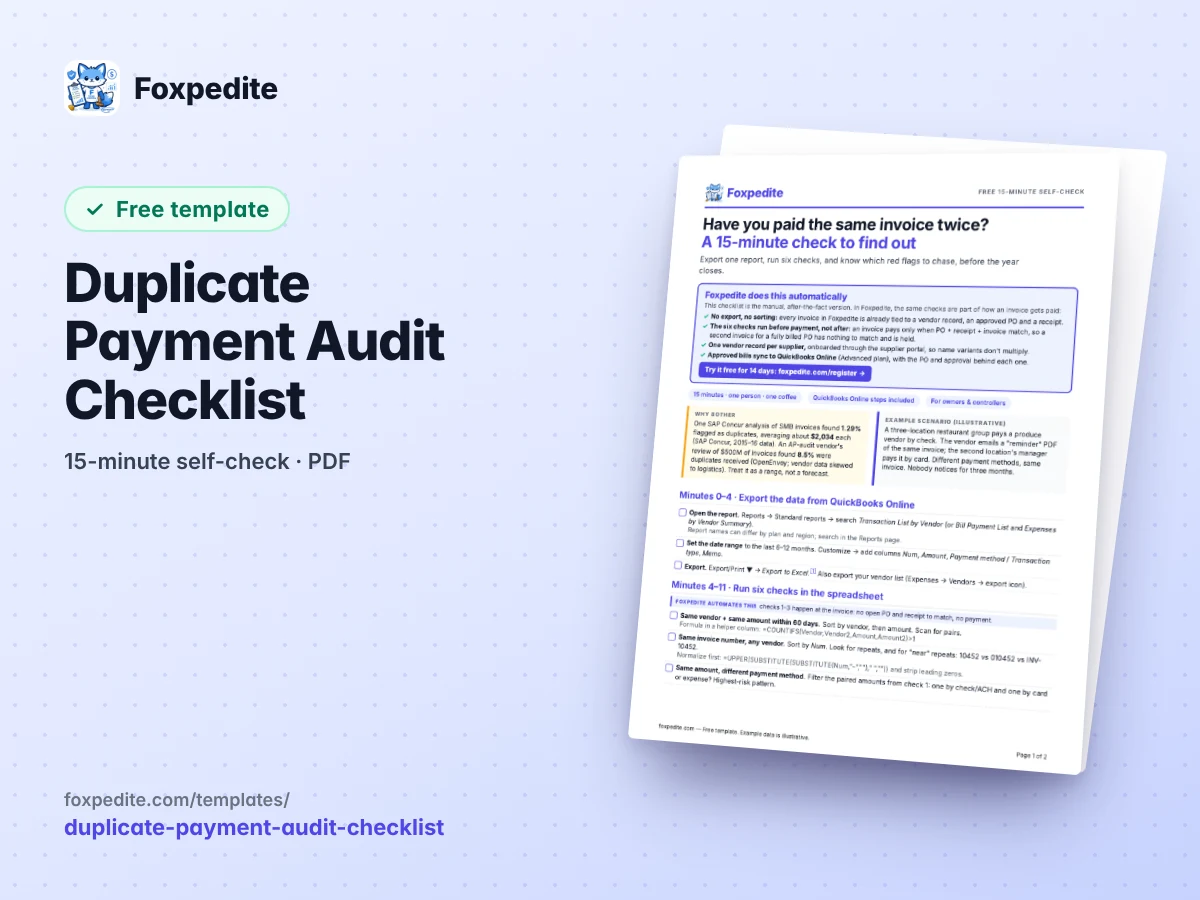
What Foxpedite does automatically
- Every invoice tied to a vendor record, an approved PO and a receipt
- Duplicates held at the invoice, before payment, not found in a quarterly audit
- One vendor record per supplier, onboarded through the supplier portal
The free template (the manual version)
One QuickBooks Online export, six spreadsheet checks, and a red-flag table that tells you what to chase, before the year closes.
- Step by step: which QuickBooks Online report to export and which columns to add
- Six checks with copy-paste formulas: same vendor + amount, invoice-number near-matches, card-and-check pairs, vendor name variants
- A red-flag table with the next action for each, plus the one setting that warns on repeated bill numbers
Download the checklist
Block 15 minutes, export the vendor transaction report, and start with the riskiest pattern: the same amount paid to one vendor through two channels, like a check and a card.
Free, no strings. Made by the Foxpedite Editorial Team, the people behind Foxpedite, purchasing software for companies still running purchasing on spreadsheets, email and QuickBooks. Example data in the files is illustrative.
While you're here
Prevention beats recovery: Foxpedite pays an invoice only when it matches one PO and one receipt.